The 2026 Obsidian Guide: Navigating Layer-2 Infrastructure and Market Research for Sustainable Web3 Growth
Obsidian remains a top-tier choice for 2026, particularly for researchers managing complex, interconnected data. Its local-first architecture ensures that your notes stay private and accessible, even when internet connectivity is unreliable or when you are analyzing sensitive market data. The app’s flexibility allows it to adapt to your workflow, whether you are mapping out Layer-2 scaling solutions or tracking tokenomics.
Using Obsidian correctly starts with understanding its core structure. It is not a traditional database but a network of linked markdown files. You begin by creating a Home MOC (Map of Content) to organize your primary topics. From there, you enable Daily Notes to capture time-sensitive observations and create essential folders for different research domains. This structure prevents information overload and makes retrieval straightforward.
While Obsidian is powerful, it does have a learning curve. It is not difficult to use, but it requires a shift in how you think about note-taking. Unlike cloud-based apps that dictate your structure, Obsidian gives you the tools to build your own system. This freedom can be overwhelming at first, but it pays off in long-term organization and customization. The downsides are minimal: you must manage your own backups and plugins, but this control is what makes it so robust for serious research.
Obsidian choices that change the plan
Choosing Obsidian means accepting a specific set of constraints in exchange for total data ownership. The software is a local-first Markdown editor, which creates distinct advantages for privacy but introduces friction for collaboration and immediate accessibility. Understanding these tradeoffs helps determine if the platform fits your workflow before you commit to building a vault.
The primary benefit is speed and reliability. Because files are stored as plain .md text on your device, there is no server latency. Your notes load instantly, and you retain full control over your data structure without vendor lock-in. This local-first architecture ensures that your knowledge base remains accessible even if the Obsidian company ceases operations.
However, this independence comes at the cost of automatic synchronization. Unlike cloud-native tools, Obsidian does not sync files between devices out of the box. You must configure a sync method yourself, such as using iCloud, Dropbox, or Obsidian Sync. This adds complexity to setup and requires you to manage version control and potential merge conflicts if you edit the same note on multiple devices simultaneously.
| Feature | Obsidian | Notion | Evernote |
|---|---|---|---|
| Data Storage | Local Markdown files | Cloud-hosted database | Cloud-hosted proprietary format |
| Offline Access | Full, instant access | Limited, requires cache | Limited, requires cache |
| Collaboration | Manual (Git/Sync) | Real-time, native | Basic commenting |
| Customization | High (CSS/Plugins) | Moderate (Blocks) | Low |
| Learning Curve | Steep | Gentle | Gentle |
Another significant tradeoff involves the ecosystem's learning curve. Obsidian is designed for users who want to build a system that fits their thinking, not the other way around. This flexibility requires initial effort to set up plugins, themes, and folder structures. New users often experience "setup paralysis," spending more time configuring tools than writing notes. In contrast, cloud tools offer a polished, immediate experience with little configuration required.
The plugin ecosystem is both Obsidian's greatest strength and a potential source of instability. While thousands of community plugins extend functionality, they are not officially supported by the core team. Updates to the Obsidian app can occasionally break third-party plugins until their authors release patches. This requires a degree of technical comfort and willingness to troubleshoot issues independently.
| Metric | Obsidian |
|---|---|
| Privacy | High (Local) |
| Sync Cost | Free (DIY) or $4/mo |
| Plugin Stability | Variable |
| Mobile Experience | Excellent |
| Web Clipper | Community-based |
Ultimately, Obsidian is best suited for individuals who prioritize long-term data integrity and customization over seamless team collaboration. If you need real-time co-editing or a zero-maintenance setup, a cloud-native alternative may serve you better. For personal knowledge management where you control the structure, Obsidian offers unmatched longevity and flexibility.
The 2026 Obsidian Decision Framework
Choosing the right Obsidian setup in 2026 requires balancing local control with collaborative needs. The following steps guide you from initial configuration to advanced workflow integration.
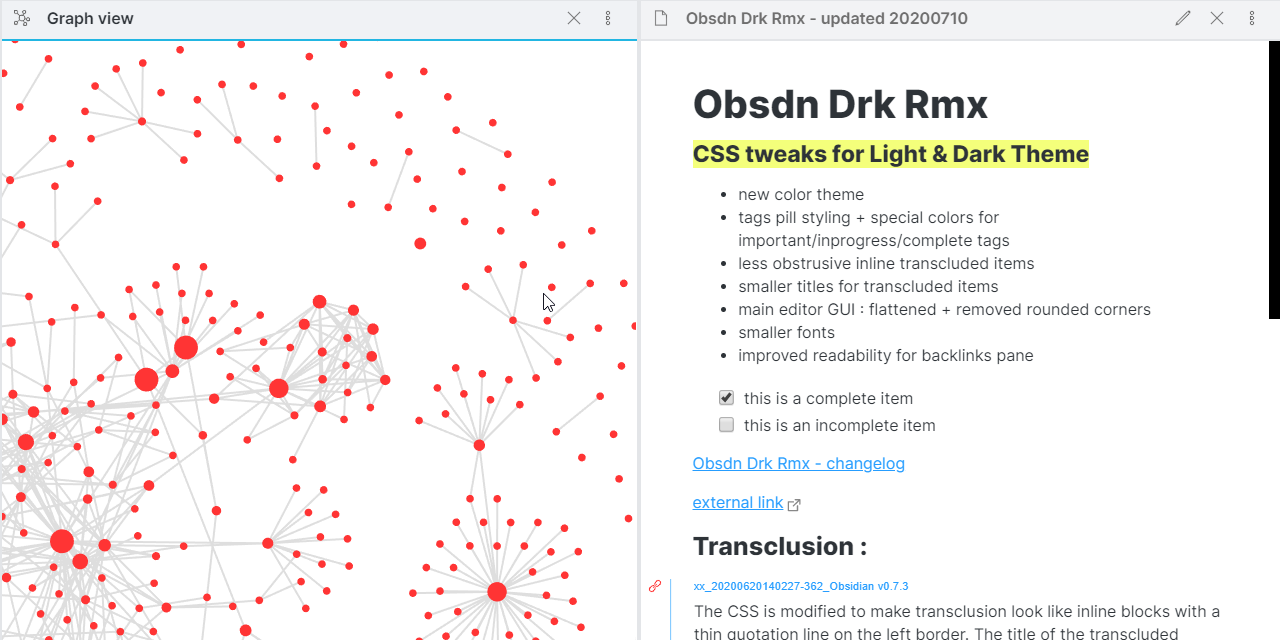
Start by defining a Home Map of Content (MOC) and enabling Daily Notes. These two elements create the backbone of your knowledge system. Keep folders minimal to avoid fragmentation. Official Obsidian Help provides the foundational syntax for these core plugins.
Avoid plugin overload by selecting only those that solve specific bottlenecks. Prioritize tools that enhance linking (like Dataview) or automate repetitive tasks. Test each plugin in a separate test vault before deploying it to your main knowledge base.

For single-user setups, iCloud or local network sync is often sufficient. Teams should evaluate Obsidian Sync or third-party solutions like Remotely Save. Ensure end-to-end encryption is enabled if handling sensitive financial or personal data.

Use Templater to standardize note formats. Create templates for meeting notes, book reviews, and project tracking. This reduces cognitive load and ensures consistency across your entire vault.
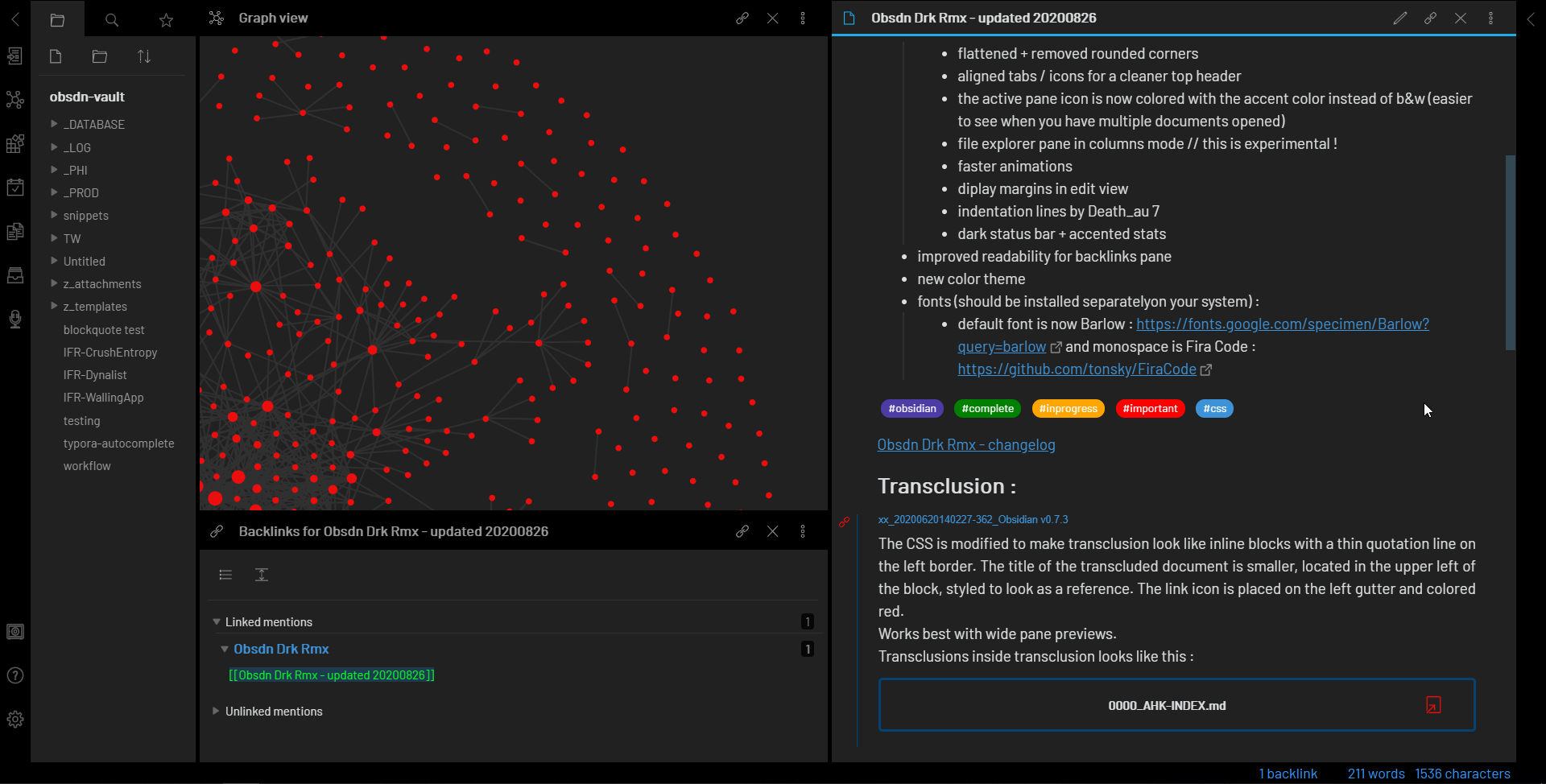
Schedule monthly reviews to prune dead links and archive completed projects. A cluttered vault slows down search and reduces the value of your connections. Consistency beats intensity in long-term knowledge management.
Watchouts in Obsidian: Weak Options and Common Mistakes
Obsidian’s flexibility is its greatest strength and its most common trap. In 2026, the tool remains a powerful knowledge base, but only if you avoid the structural pitfalls that turn a personal wiki into digital clutter. Many users jump into complex plugin ecosystems before mastering the core, leading to maintenance nightmares and data fragmentation.
The MOC Overload
Manual Maps of Content (MOCs) are essential for navigation, but creating a MOC for every folder is a mistake. This "indexitis" creates a maintenance burden that grows faster than your notes. Instead, use MOCs only for broad, evolving topics that need curation. If you find yourself updating a MOC weekly, it is likely too granular. Let the graph view and backlinks handle the micro-navigation; reserve MOCs for high-level architecture.
Plugin Dependency Risks
Relying heavily on community plugins for core functionality is a significant risk. Plugins can break during Obsidian updates, or developers may abandon projects. Always prioritize core plugins first. If a plugin is not available in the core, check its last update date and GitHub activity. Avoid plugins that modify the fundamental note structure, as these can corrupt your vault during major version upgrades. Stick to plugins that enhance, rather than replace, the native markdown experience.
Sync and Backup Neglect
Obsidian stores data locally. This is a feature for privacy, but a liability for accessibility if not managed. Many users assume their cloud storage automatically backs up their vault. It does not. You must configure a dedicated sync solution or use Obsidian Sync. Relying on manual exports or unversioned cloud folders can lead to data loss during conflicts. Treat your vault like a code repository: version control is non-negotiable for long-term knowledge management.
No comments yet. Be the first to share your thoughts!