Why your vault needs structure
Without a deliberate system, your Obsidian vault quickly turns into a digital graveyard. It is easy to let notes pile up in the default General folder, creating a chaotic repository where future you cannot find anything. A vault is just a folder of markdown files; the structure you impose determines its utility. Without organization, the tool becomes a burden rather than a second brain.
Building a scalable OBSDN guide requires more than just installing the app. You need a framework that grows with you. This means establishing a clear hierarchy early on. Whether you prefer a strict folder structure or a tag-based network, the goal is consistency. Inconsistency leads to fragmentation, which breaks the very connections Obsidian is designed to foster.
A vault is just a folder. The structure you impose determines its utility. Avoid over-engineering your system before you have enough notes to test it.
The official Obsidian documentation emphasizes that the vault is the root directory for your notes. This simplicity is its strength, but also its trap. If you do not define how to categorize content, you will end up with thousands of orphaned files. A robust OBSDN guide suggests starting with a few core categories and expanding only as your knowledge base demands it. This approach prevents the paralysis of choice and keeps your workflow moving forward.
Think of your vault as a garden. If you plant seeds without rows or labels, you get a wild tangle. With a basic structure, you can cultivate specific areas of knowledge. This OBSDN guide will show you how to lay those rows effectively.
Start with a Home MOC
Think of your Obsidian vault as a library with no shelves, just a pile of books on the floor. Without a central index, finding specific information becomes a guessing game. The solution is the Map of Content (MOC), a single note that acts as the navigation hub for your entire system. In an OBSDN guide, this is the foundational step that transforms chaos into a usable knowledge vault.
A Home MOC is simply a note that links to other major notes or folders. It doesn't need to be comprehensive on day one. Its purpose is to give you a place to land when you open Obsidian, pointing you toward the topics you are currently working on. This central node prevents you from getting lost in the weeds of isolated files.
To create your Home MOC, follow these steps:
- Start by creating a new note titled "Home" or "Dashboard." This will serve as the root of your navigation system. Keep the filename simple so it sorts to the top of your file list.
- Identify the five to ten broad categories you care about most (e.g., Finance, Health, Work). Link to existing notes or create placeholder notes for these topics. These links become your primary navigation menu.
- Include a link to your Daily Notes. This ensures you can quickly log today's thoughts without digging through the file explorer. It bridges the gap between your static knowledge and your daily workflow.
- Treat this note as a living document. As you create new projects or abandon old ones, update the links. A Home MOC that reflects your current focus is infinitely more useful than one that is technically complete but irrelevant.
This structure does more than just organize files; it reduces the cognitive load of starting your research or writing sessions. By providing a clear entry point, you spend less time searching and more time thinking. This approach aligns with best practices for new users, focusing on linking and basic formatting before diving into complex plugins or scripts. The goal is simplicity and consistency, allowing your vault to grow organically alongside your knowledge.
Link notes, not folders
Stop organizing by where a file lives and start organizing by what a file means. The biggest mental shift in an OBSDN guide is abandoning the rigid hierarchy of folders. Folders force you to guess the single correct category for a note before you’ve even finished writing it. This leads to "folder rot," where notes are dumped into a default "Inbox" because they don’t fit neatly into your existing structure.
Instead, treat your vault as a network. When you link two notes, you create a relationship that persists regardless of where the files sit on your hard drive. This mirrors how human memory works; we recall ideas by association, not by directory path. By linking notes, you allow context to emerge organically rather than being imposed artificially.
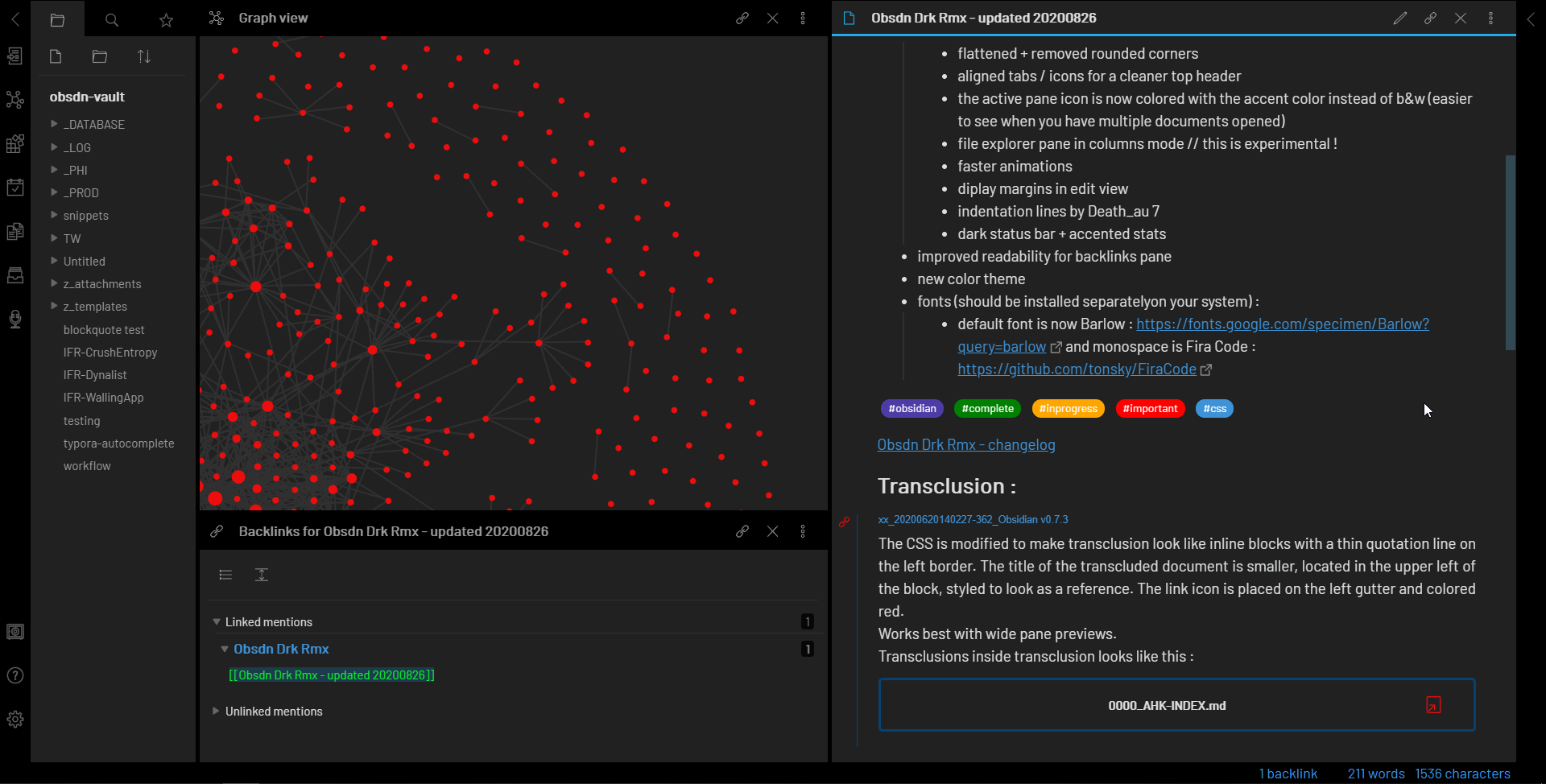
The true power of this approach becomes visible in the Graph View. This visual representation maps out the connections between your notes, revealing clusters of related ideas that might otherwise remain hidden. You can see which topics are well-connected and which are isolated silos. This visual feedback loop helps you identify gaps in your knowledge and discover unexpected connections between disparate fields.
Think of your vault not as a library with fixed shelves, but as a city with evolving streets. You can always add a new bridge (link) between two neighborhoods (notes) without moving the buildings themselves. This flexibility is what makes Obsidian a scalable knowledge vault. You are building a second brain that grows and adapts as you learn, rather than a static archive that requires constant maintenance.
Automate with daily notes
Daily Notes are the engine of your OBSDN guide. They turn the chaotic influx of market data and fleeting thoughts into a structured, time-stamped record. Instead of hunting for the right folder or debating a filename, you simply open today’s note and start typing. This reduces friction to near zero, ensuring that critical insights—like a sudden shift in sector momentum or a breaking earnings report—are captured before they fade.
To make this work, you need to configure Obsidian to handle the flow. Here is how to set up the automation that keeps your vault running smoothly.
- Go to Settings > Core Plugins and toggle Daily Notes on. This is the foundation of your OBSDN guide. Without it, you are manually creating files every day, which breaks the habit loop. Enabling this plugin gives you immediate access to the
YYYY-MM-DDformat that keeps your notes organized chronologically. - In the Daily Notes settings, specify a folder like
Daily/to keep your capture zone clean. Set the file name format toYYYY-MM-DD. This consistency is vital for linking. When you reference a past market analysis, Obsidian’s graph view and backlinks will instantly recognize the connection because the naming convention is uniform. - Link a template file (e.g.,
Templates/Daily Note) to your daily notes. This template should include pre-set headers forMarket Data,Ideas, andLinks. By using a template, you start each day with a blank canvas that already has the structure you need, saving mental energy for analysis rather than formatting. - Your OBSDN guide relies on connectivity. Use the template to include a
#MOC/MarketOverviewor similar tag. This ensures that your daily entries automatically feed into your Map of Content. As you build up a history of daily notes, your vault transforms from a simple diary into a searchable, interconnected knowledge base.
-
Daily Notes plugin enabled
-
Folder path set to Daily/
-
Template linked and saved
-
MOC tags configured in template
By treating Daily Notes as your primary capture mechanism, you create a reliable stream of data. This automation is what allows an OBSDN guide to scale. You stop worrying about where to put notes and start focusing on what the data means.
Keep the system simple
The biggest trap in any OBSDN guide for 2026 is over-engineering. It is easy to get seduced by plugins, complex graph views, and intricate metadata schemas before you have even written a single note. But a vault that is too rigid becomes a burden rather than a tool. You spend more time maintaining the system than capturing knowledge.
Start with the basics. Obsidian works best when it feels like a digital notebook rather than a database. Use simple markdown files, basic folders, and occasional backlinks. This foundation is flexible enough to grow with your needs without collapsing under its own weight. As you discover friction points, only then should you introduce automation or advanced structures.
Think of your vault like a workshop. You do not need every power tool on the wall to start building. You need a sturdy workbench and a few essential hand tools. Complexity can be added later when a specific problem demands it. The goal is clarity, not sophistication. A simple system is a system you will actually use.
No comments yet. Be the first to share your thoughts!