Obsidian: A Practical Infrastructure Guide
Obsidian is not a cloud service or a managed platform. It is a local-first markdown editor that stores your notes as plain text files on your device. This architecture gives you total control over your data but requires you to manage your own backup and sync infrastructure. Think of it like owning a house versus renting an apartment: you have the keys, but you are responsible for the plumbing and security.
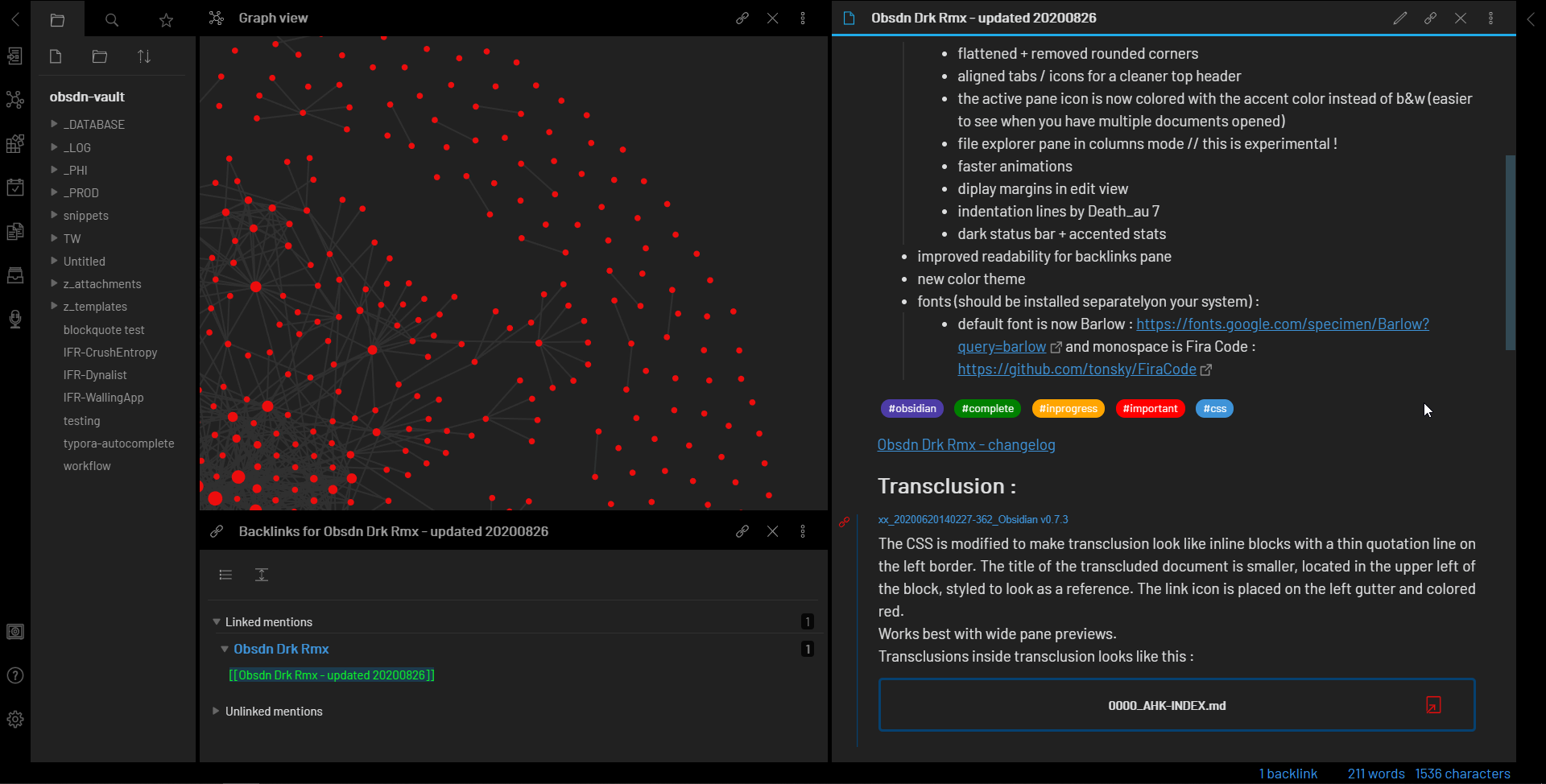
The core value of Obsidian lies in its linkable graph. Instead of relying on rigid folder hierarchies, you connect notes using bidirectional links. This creates a web of ideas that mirrors how your brain works. You can visualize these connections in the Graph View, which helps you discover relationships between seemingly unrelated topics. For new users, the official Obsidian Help site provides a clear starting point for setting up your vault and understanding the basic interface.
However, this flexibility comes with a learning curve. The software is powerful but sparse out of the box. To get the most out of it, you will likely need to install community plugins for features like calendar views, task management, or advanced styling. This modularity allows you to build a system tailored to your specific workflow, whether that is academic research, content planning, or personal journaling. But it also means you must spend time configuring and maintaining your setup.
The downsides are primarily technical. Because your data is local, you must actively sync it across devices if you use multiple platforms. While Obsidian Sync is available, many users opt for third-party solutions like iCloud, Dropbox, or Git, which require more technical know-how. Additionally, the lack of built-in collaboration features makes it less suitable for real-time team editing. It is a tool for deep, individual work rather than collaborative brainstorming sessions.
Obsidian choices that change the plan
Obsidian is a powerful tool for building a personal knowledge management system, but it requires deliberate effort to set up and maintain. The following comparison breaks down the core tradeoffs you face when deciding if Obsidian fits your workflow. It weighs the benefits of local control and extensibility against the costs of manual configuration and learning curve.
| Factor | Pros | Cons |
|---|---|---|
| Data Control | Full ownership of local Markdown files; no vendor lock-in. | You are responsible for backups and file integrity. |
| Flexibility | Highly customizable via community plugins, themes, and CSS snippets. | Requires time to find, install, and configure plugins. |
| Learning Curve | Intuitive core features like linking and graph view are easy to grasp. | Advanced features (Dataview, Templater) have steep learning curves. |
| Syncing | Local-first architecture ensures fast performance and offline access. | Official sync is paid; free alternatives require technical setup. |
| Ecosystem | Large community with thousands of plugins and shared vaults. | Plugin quality varies; some may break with core updates. |
The primary advantage of Obsidian is that your notes are stored as plain Markdown files on your own device. This means your data is portable and future-proof. You can open your notes in any text editor, transfer them to a new device, or migrate to another platform without losing your content. This local-first approach contrasts with cloud-only note-taking apps that lock you into their proprietary formats.
However, this flexibility comes with responsibility. You must manage your own backup strategy. While Obsidian offers official sync services for a monthly fee, many users opt for free solutions using iCloud, Dropbox, or Git. These free options often require more technical knowledge to set up correctly and may introduce sync conflicts if not managed carefully. The tradeoff is clear: you gain control but lose the convenience of automatic, seamless cloud syncing.
Another significant factor is the learning curve. While the basic interface is simple, unlocking Obsidian's full potential often involves installing community plugins like Dataview or Templater. These tools allow for database-like querying and automated note creation, but they require learning a new syntax and logic. For users who just want to write and link notes, this can feel overwhelming. For those who enjoy tinkering, it is a major benefit.
Ultimately, Obsidian is best suited for users who value long-term data ownership and are willing to invest time in building a system that works for them. If you prefer a set-and-forget experience with automatic syncing and minimal setup, a cloud-native alternative might be more suitable. But if you want a flexible, private, and extensible knowledge base, Obsidian's tradeoffs are worth it.
Build a Practical Decision Framework
Obsidian is a local-first markdown vault, not a managed SaaS. This distinction shifts the entire workflow from subscription management to local file control. When evaluating post-halving infrastructure or layer-2 scaling strategies, the tool must handle dense technical data without vendor lock-in. The framework below prioritizes structure over aesthetics, ensuring your research remains accessible and searchable.
Start by creating a single folder on your local drive. Do not sync immediately. Enable the Daily Notes and Backlinks core plugins from Settings > Community Plugins. These two features form the backbone of the system, allowing you to timestamp research entries and link related concepts without external dependencies. Keep the initial folder clean; complexity should come from links, not nested directories.

Create a "Home" note that acts as your dashboard. Use [[double brackets]] to link to specific topics like "Layer-2 Protocols" or "Halving Economics." This creates a Map of Content (MOC). Instead of rigid folders, use these links to navigate. When you write a new note on a scaling strategy, link it to the Home MOC. This approach mirrors how knowledge connects in the real world, making retrieval faster than searching through static directories.

Add YAML frontmatter to every note at the very top. Define keys like status, source, and category. For financial research, include a date_published and confidence_level. This metadata allows you to use the Dataview plugin (once installed) to generate dynamic tables of your research. It turns your vault into a queryable database, letting you filter notes by status or source type without manual tagging.

Connect your local notes to live data using community plugins or API calls. For instance, embed a TradingView chart or a live crypto price widget directly into your markdown. This keeps your analysis current without leaving the vault. Ensure any external widgets are cached locally if possible, as Obsidian’s core strength is offline accessibility. This step bridges the gap between static notes and real-time market conditions.
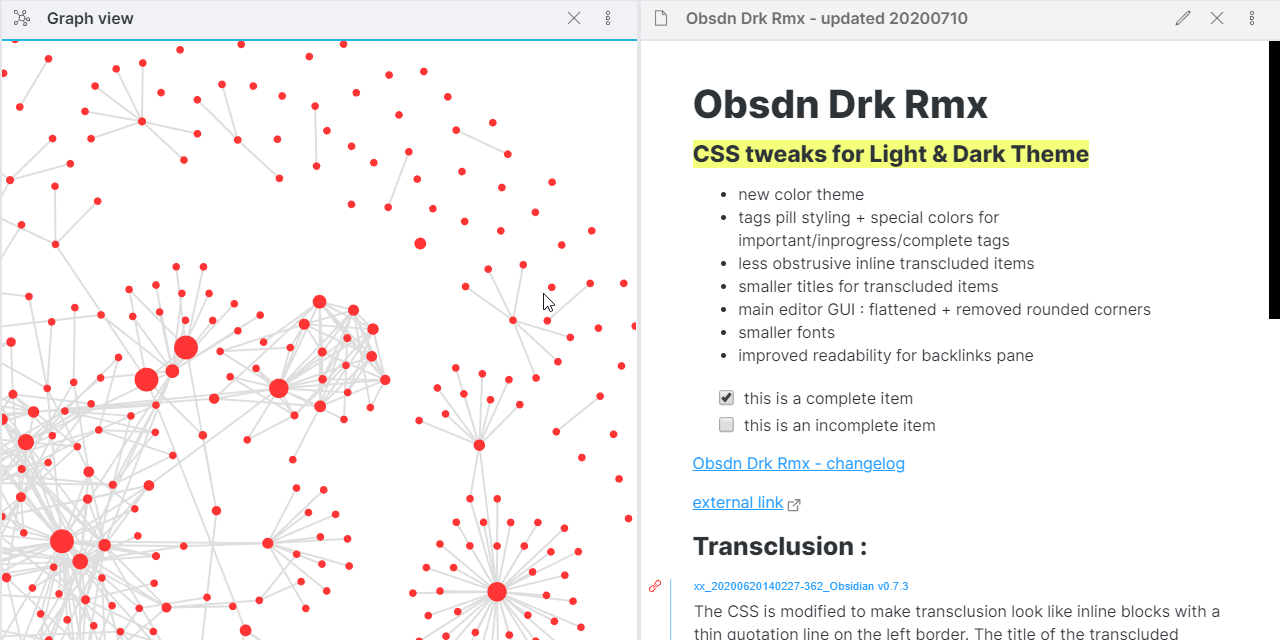
Set aside time each week to review your MOCs. Identify orphaned notes that lack links and connect them to relevant topics. Delete or archive outdated research to prevent clutter. This maintenance ensures the vault remains a decision-support tool rather than a digital attic. The goal is a living document that evolves with your understanding of the market.
Avoid Common Obsidian Mistakes
Obsidian’s flexibility is its strength, but without guardrails, it becomes a digital junk drawer. Most beginners stumble by over-engineering their setup before writing a single note. The following pitfalls are the most common reasons users abandon the app.
Relying on Plugins Before Core Habits
New users often install dozens of community plugins immediately, trying to replicate complex second-brain systems from YouTube tutorials. This bloats the vault and slows performance. Start with core features like Daily Notes and Backlinks. Master the basic workflow of linking notes before adding automation. A clean, plugin-free vault is easier to maintain and less prone to breaking during updates.
Hoarding Notes Without Linking
Saving articles, quotes, or ideas into isolated folders creates a digital graveyard. Obsidian shines when you connect disparate ideas. If a note doesn’t link to at least one other relevant note, it’s likely just a file, not part of your knowledge graph. Use the graph view to spot isolated clusters. Regularly review and merge or delete orphaned notes to keep your system navigable.
Ignoring Search and Metadata
Relying solely on memory or folder structures to find information is inefficient. Obsidian’s search is powerful, but it requires consistent tagging. Use frontmatter for metadata like type, status, or source. This allows you to filter notes dynamically. Without standardized tags, your vault becomes a black box where important insights get buried under unstructured text.
No comments yet. Be the first to share your thoughts!