Start with a home map
The biggest mistake new users make with Obsidian is trying to organize everything at once. You open a blank vault, stare at the empty left sidebar, and feel paralyzed. It’s a common trap, especially when you’re trying to build a crypto research infrastructure that needs to handle volatile data and rapid market shifts. Instead of building a complex folder structure immediately, you need a single point of entry.
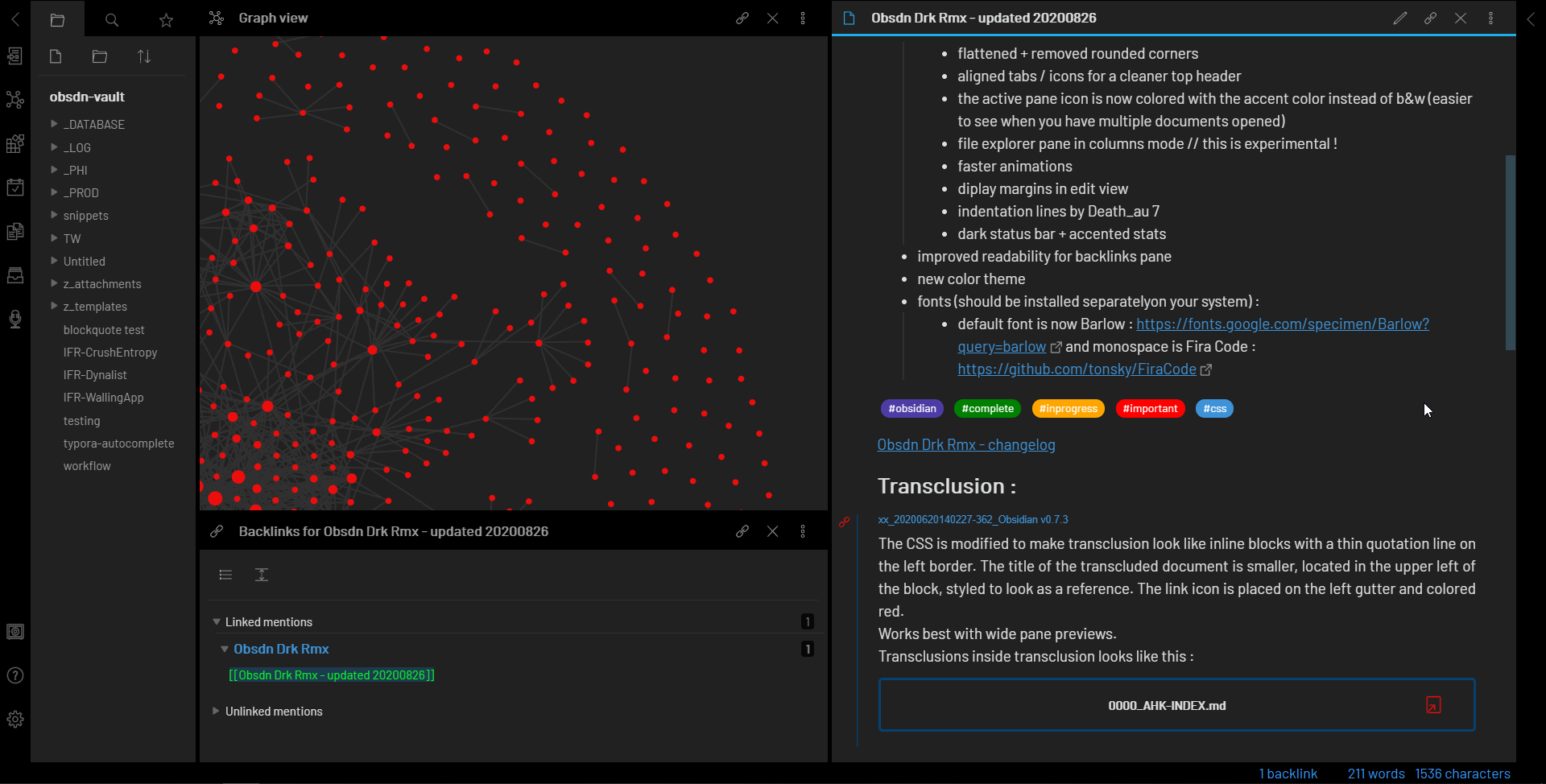
Create a note literally called Home or MOC (Map of Content). This isn’t just a pretty landing page; it’s the hub that connects every other part of your research workflow. In Obsidian, this note holds the links to your daily notes, your crypto trackers, your strategy documents, and your folder index.
Starting with a Home note gives you an immediate place to link and capture thoughts, stopping the overwhelm of a new vault.
According to the OBSDN Guide, this approach prevents information silos. When you create a new research note on a specific token, you link it back to your Home map. Over time, connections emerge organically. You don’t need to guess where a file belongs because the Home note already provides the context. This keeps your research fluid and accessible, which is critical when market conditions change overnight.
Enable Daily Notes alongside your Home map. This allows you to capture quick thoughts, price observations, or news flashes without worrying about perfect categorization. Later, you can link these daily entries to your permanent research notes. The goal is to keep the friction low so you can focus on the analysis, not the file management. Your vault will grow naturally, and your Home map will evolve with it.
Enable daily notes first
The Daily Notes plugin is the backbone of any OBSDN guide for crypto research. It creates a chronological log where you can dump market observations, quick captures, and daily sentiment tracking without overthinking structure. It acts as your trading journal’s daily page—open it, write down what you see, and move on.
To enable this, go to Settings > Core Plugins and toggle Daily Notes on. You can customize the folder where these notes land and the filename format (YYYY-MM-DD is standard). This simple step ensures every market event has a timestamped home. No more hunting for scattered thoughts about Bitcoin’s movement or Ethereum’s gas fees.
This setup aligns with official guidance from obsdn.org, which recommends enabling Daily Notes early in your workflow. It’s not about perfection; it’s about consistency. When you capture data daily, patterns emerge. You’ll start seeing how sentiment shifts correlate with price action, something hard to track if your notes are buried in random files.
As one Reddit user noted, the key is to avoid over-structuring early on. Daily Notes handle the "where" so you can focus on the "what." This keeps your research infrastructure lightweight and scalable, crucial for high-stakes market analysis.
Create essential folders
Don’t overthink this. The goal of this OBSDN guide is to set up a research infrastructure that works, not one that requires a manual to maintain. When you’re tracking RWA tokens or watching Bitcoin flash-crashes, you need your data instantly accessible. A cluttered vault leads to a cluttered mind. Start with a minimal, three-folder structure that separates the signal from the noise.
- Inbox: This is your drop zone. When you find a new whitepaper, a Twitter thread with alpha, or a quick price screenshot, it goes here. Don’t categorize it yet. Just capture it. Think of Inbox as the staging area for raw intelligence before it gets processed into your actual research notes.
- Projects: This is where the work happens. Create a subfolder for each specific asset or thesis you are tracking—like
RWA-EthereumorBTC-Macro. Move your Inbox items here once you’ve done the initial read. This keeps your active research contained and makes it easy to jump back into a specific market analysis without scrolling through hundreds of unrelated notes. - Archive: Once a project is completed or the thesis is invalidated, move the folder here. This isn’t deletion; it’s preservation. You might need to reference why you sold a position six months ago. Keeping your active workspace clean ensures that when you open Obsidian, you see only what matters right now.
This structure mirrors how professional analysts organize their desk. You have your immediate tasks (Inbox), your current cases (Projects), and your historical records (Archive). By sticking to this OBSDN guide framework, you avoid the common trap of creating fifty subfolders that no one ever uses. Keep it simple, keep it searchable, and let the content drive the organization, not the other way around.
Track real-world asset metrics
Linking specific RWA tokens and market data to your research vault turns abstract blockchain activity into tangible financial context. When you track real-world asset metrics, you are essentially building a bridge between the digital token and the physical economy it represents. This integration allows you to see how on-chain volume correlates with off-chain events, providing a clearer picture of market health.
Start by identifying the primary RWA tokens relevant to your strategy, such as tokenized treasuries or real estate funds. Use the Obsidian vault to tag these assets with specific metadata fields that track their underlying collateral and maturity dates. This structure helps you quickly filter for assets that match your risk profile without wading through irrelevant noise.
To ground your analysis in live market context, integrate real-time price feeds and technical charts for major RWA-adjacent assets. These benchmarks serve as a reference point for understanding the broader crypto market sentiment, which often spills over into the RWA sector.
Watching how these adjacent assets move can reveal early signals of liquidity shifts. For instance, a sudden drop in Bitcoin dominance might indicate capital rotating into alternative narratives, including RWA projects. Use the OBSDN guide to refine your tagging system, ensuring that your notes capture not just price action but also the fundamental drivers behind these moves.
Technical analysis becomes more powerful when layered with fundamental RWA data. A chart might show a breakout, but knowing that a major tokenized bond issuance is pending provides the "why" behind the move. This dual-layer approach prevents you from reacting to price action alone, helping you stay ahead of market shifts. By consistently updating your vault with these metrics, you build a historical record that improves your decision-making over time.
Adopt atomic note structure
Creating "mega-notes" that try to capture an entire market cycle or a complex protocol analysis in a single file creates a retrieval nightmare later. When you need to cross-reference a specific detail—like the staking yield of a Layer 1 blockchain during a bear market—digging through a 10,000-word monolith is inefficient and error-prone.
Atomic notes solve this by enforcing a simple rule: one idea per note. A note on "Bitcoin halving mechanics" is separate from a note on "institutional adoption trends." This granularity allows your vault to function like a neural network rather than a filing cabinet. You link these small, focused notes together, creating a web of context that mirrors how your brain actually processes information.
The trade-off is volume. You will have thousands of notes instead of hundreds. However, the density of links between them increases your ability to discover non-obvious connections. For example, linking a note on "regulatory shifts in the EU" directly to a note on "DeFi protocol compliance" allows you to see the causal relationship instantly. This structure is the backbone of a scalable OBSDN guide for crypto research, turning isolated facts into a unified knowledge base.
Let the vault grow organically
You cannot create a perfect folder structure or a flawless tagging scheme for crypto research in advance. The architecture of your OBSDN guide setup emerges from the notes you actually write, not from a template you design in a vacuum.
Start with a Home MOC, enable Daily Notes, and create just a few essential folders. Begin capturing data immediately. As you log market movements and research findings, connections will naturally appear. You will see which tags are actually useful and which folders are gathering dust. This organic growth is the only way to build a system that fits your actual workflow.
Perfectionism is the enemy of a functional research infrastructure. Your vault is a living database, not a library that must be cataloged before it opens. Let the structure evolve as your knowledge base expands. Focus on capturing the signal; the organization will follow.
Quick-start checklist
-
Enable Daily Notes in settings
-
Create a Home MOC
-
Set up three core folders (e.g., Research, Ideas, Archive)
-
Write your first daily note
-
Stop overthinking and start linking
No comments yet. Be the first to share your thoughts!