Why OBSDN Matters for Research
Obsidian (OBSDN) has become a central piece of infrastructure for serious crypto researchers, but its value lies in how it structures information, not just where it stores it. While many tools focus on real-time price action, Obsidian offers a local-first knowledge graph that preserves your research history against platform decay. It transforms scattered notes into a connected web of insights, allowing you to trace the lineage of a thesis from initial discovery to final analysis.
The platform’s strength is its ability to handle complex, non-linear data. Crypto markets are rarely linear; narratives shift, protocols fork, and macroeconomic factors intersect in unpredictable ways. Obsidian’s bidirectional linking allows you to connect a specific token’s whitepaper to broader market trends, regulatory updates, and competitor analyses. This creates a living document of your research that evolves with the market, rather than a static folder of disconnected files.
For researchers, this means less time searching for past notes and more time synthesizing new information. By treating Obsidian as a primary research tool, you build a personal knowledge base that compounds in value over time. The focus shifts from mere data collection to strategic knowledge management, ensuring that your insights are retrievable, reusable, and deeply contextualized.
Setting Up Your Research Vault
Start with a blank slate. The biggest mistake new users make is over-engineering their vault before they’ve written a single note. Treat your Obsidian setup like a garden: plant the seeds, water them, and let the connections grow naturally rather than trying to build a complex irrigation system on day one.
1. Create a Minimal Folder Structure
Don’t create folders for every topic you can think of. Instead, start with just three or four broad categories. A simple structure like 00-Inbox, 10-Research, and 90-Archive is plenty to begin. This keeps the interface clean and prevents decision fatigue when you’re trying to save a quick insight. You can always add more folders later as your research themes become clearer.
2. Enable Daily Notes and a Home Page
Turn on the core Daily Notes plugin. This gives you a fresh page every day to dump raw thoughts, links, and observations without worrying about where they belong yet. Also, create a simple Home.md page. This acts as your dashboard, linking to your most important research lists or current projects. It’s the first thing you see when you open Obsidian, so keep it tidy.
3. Adopt Atomic Notes
Write one idea per note. Instead of a massive document covering "Bitcoin's 2024 Outlook," create separate notes for "Bitcoin Halving Mechanics," "Miner Revenue Trends," and "Regulatory Updates." This makes it easier to link ideas together later. When you’re researching crypto, you’ll constantly find that one insight connects to three different topics. Atomic notes make those links obvious and useful.
4. Let It Grow Organically
Resist the urge to force connections. As you write more notes, you’ll naturally start seeing patterns. Use Obsidian’s graph view to spot clusters of related ideas. If you notice a cluster forming around "DeFi Risks," create a Map of Content (MOC) for it. This approach ensures your vault reflects your actual thinking process, not a rigid theoretical framework.
Essential Plugins for Market Analysis
Obsidian’s default setup is blank, but for financial research, that emptiness is a liability. You need tools that turn static notes into a queryable database. The right plugins bridge the gap between reading a report and extracting actionable data points like price levels, thesis dates, and risk factors.
Dataview: Your Query Engine
Dataview transforms your vault from a folder of files into a relational database. Instead of searching for a specific crypto thesis, you can query all notes tagged with #ethereum and #thesis created in the last month. This is critical for tracking evolving narratives across multiple assets.
You can display tables of your holdings, filter by tags, or list all open positions with their entry prices. It removes the need to manually update spreadsheets. If you are tracking a complex portfolio, Dataview lets you see the big picture without leaving Obsidian.
Templater: Standardized Reporting
Consistency saves time. Templater allows you to create custom templates for new research notes, earnings reports, or market updates. A well-structured template ensures every entry has the same metadata fields: asset ticker, date, source link, and sentiment score.
This standardization makes Dataview queries work reliably. When every note follows the same format, your data remains clean and sortable. You can also use Templater to insert dynamic content, like the current date or a link to the latest CoinGecko price chart, directly into your notes.
Comparison of Core Plugins
| Plugin | Primary Function | Complexity | Best For |
|---|---|---|---|
| Dataview | Query and display data from notes | High | Tracking assets, tags, and metadata |
| Templater | Create dynamic, structured templates | Medium | Standardizing research notes |
| Calendar | Visualize note creation timeline | Low | Tracking research frequency |
Visualizing Your Setup
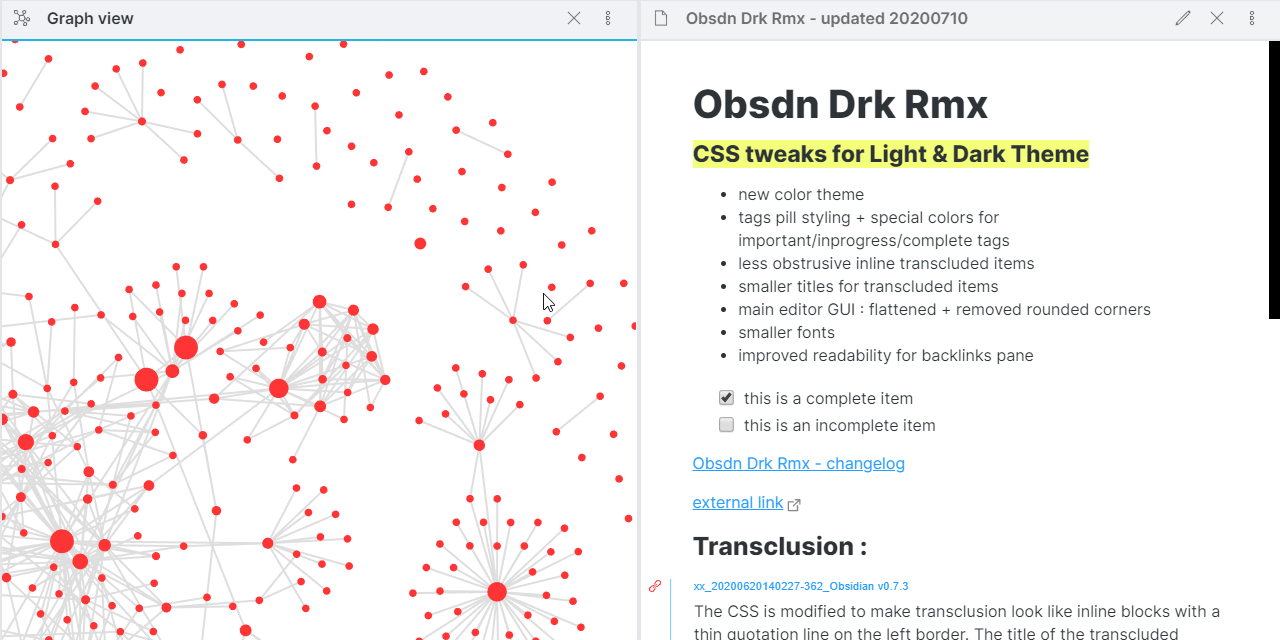
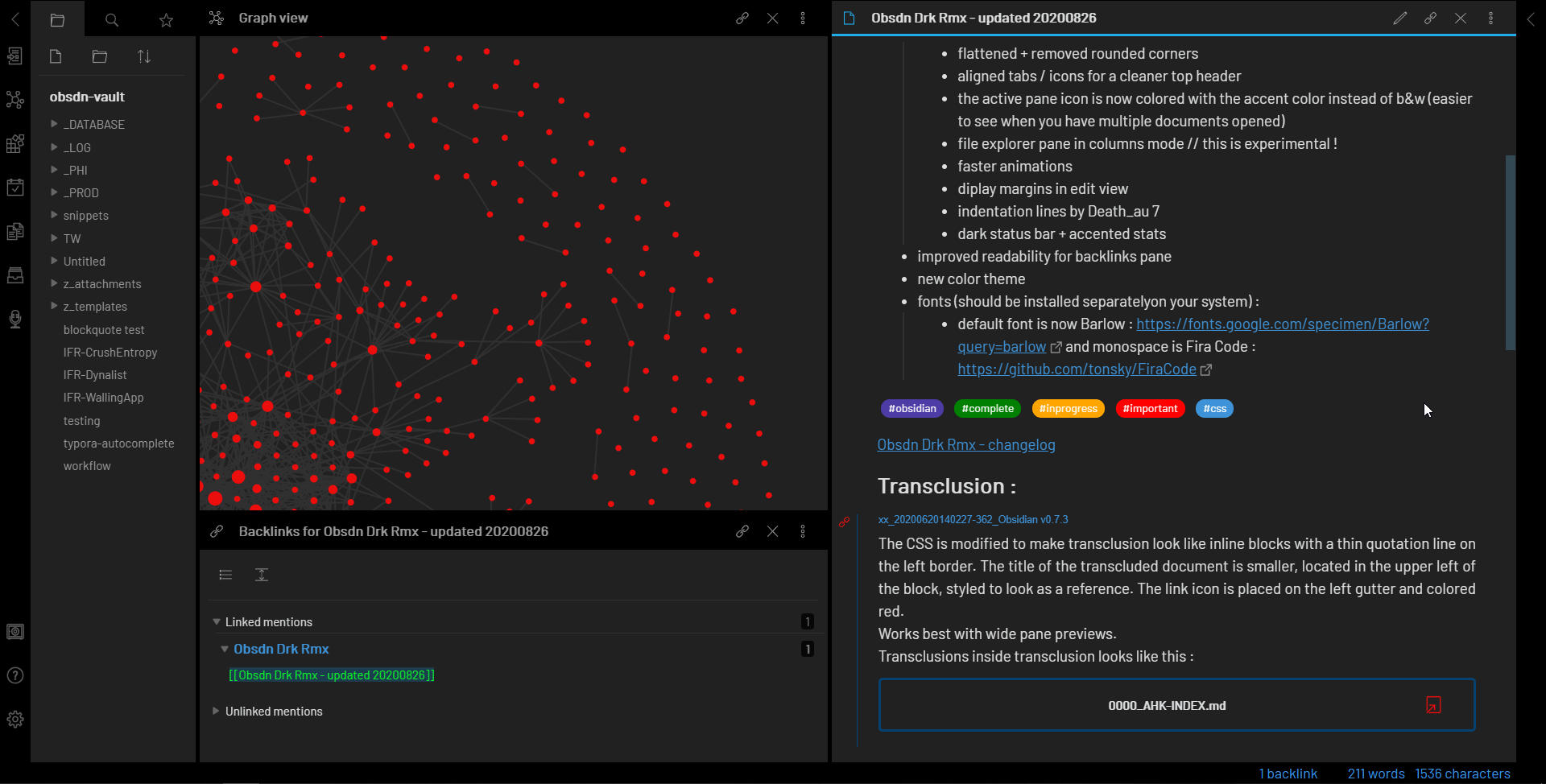
A clean interface helps you focus on the data. The Obsidian community offers themes like ObsidianDN that provide a dark, high-contrast look suitable for long research sessions. This reduces eye strain when you are deep in the numbers.
Market Context
While your notes organize your thoughts, you still need real-time market data to ground your analysis. Use the chart below to track Bitcoin’s current performance as a baseline for broader market sentiment.
Build a knowledge graph that actually connects
A vault full of isolated notes is just a digital filing cabinet. To make Obsidian useful for crypto research, you need to turn those notes into a web. This is where the Graph View stops being a pretty decoration and starts being your primary navigation tool.
Start by linking notes the moment you spot a relationship. If you are writing about Ethereum’s upgrade, link directly to your notes on gas fees, validator performance, and the specific EIPs involved. Do not wait until you have written the final report. Those early links create the context that lets you see how different projects and market trends interact.
Think of your graph like a financial network. Each node is an asset or concept, and each link is a causal or correlational relationship. When you query the graph, you are tracing the flow of value or information. This structure helps you spot gaps in your research and discover connections you might have missed if you were working in silos.
The goal is to build a system where one note naturally leads to the next. This bottom-up approach, popularized by researchers like Steph Ango, allows complex ideas to emerge organically from simple connections. Your graph becomes a living map of your research, not just a static archive.
Connecting live market data
Static screenshots age quickly and lose relevance. To keep your OBSDN research accurate, you need live data feeds that update automatically. This approach ensures your notes reflect current market conditions without manual intervention.
Obsidian supports this through community plugins like Obsidian Chart or by embedding widgets directly into your vault. These tools pull real-time prices and charts from reliable financial APIs, keeping your analysis fresh and actionable.
For immediate visual context, here is a live technical chart for Bitcoin. It updates with market movements, providing a reliable reference point for your daily research.
Recommended Tools and Resources
Research is only as sharp as the tools you use. Obsidian provides the foundation, but specific hardware and software choices can significantly reduce friction during deep analysis sessions. Below are the essential components for a serious research setup.
Hardware Essentials
A reliable hardware setup prevents interruptions during critical research phases. The Obsidian hardware ecosystem prioritizes durability and connectivity.

The Obsidian 45/3 Lug MT is a popular choice for researchers who need a rugged, portable solution. Its design emphasizes field durability, making it suitable for environments where standard equipment might fail. Pair this with a high-quality mechanical keyboard for faster note-taking and a secondary monitor to keep data sources open alongside your vault.
Software and Plugins
Obsidian’s power comes from its community plugins. Start with the core features: Daily Notes and the Graph View. Then, add plugins that streamline data entry and visualization.
- Dataview: Essential for querying and displaying data from your notes dynamically.
- Templater: Automates repetitive note structures, saving time during fast-paced research.
- Excalidraw: Allows for visual mapping of complex relationships between data points.
Avoid over-engineering your setup. As noted in community guides, keeping the organization minimal allows your vault to grow organically without becoming unmanageable. Stick to official plugins from the Obsidian marketplace to ensure stability and security.
Hardware Recommendations



As an Amazon Associate, we may earn from qualifying purchases.
No comments yet. Be the first to share your thoughts!