Why this OBSDN guide matters
The crypto market in 2026 operates at a velocity that makes traditional note-taking obsolete. With regulatory frameworks shifting and new Layer-2 solutions launching weekly, the volume of data available for market research has become unmanageable for any single analyst. Relying on fragmented browser tabs or static spreadsheets introduces significant latency and error risk when evaluating emerging protocols or tracking macroeconomic indicators.
A structured knowledge base like Obsidian, specifically configured through the OBSDN methodology, transforms this chaos into a navigable network. Instead of linear documents, researchers build interconnected graphs of insights, allowing them to trace the lineage of a tokenomic model or the impact of a regulatory change across multiple assets. This mirrors the market's own non-linear, interconnected nature.
For serious market research, the tool is only as good as the system supporting it. This guide provides the 2026 setup for Obsidian, focusing on plugins and workflows that automate data ingestion and enforce research rigor. By adopting this infrastructure, you move from passive consumption of news to active, verifiable analysis.
Start with a clean vault
Most people treat Obsidian like a filing cabinet and spend weeks organizing folders before writing a single note. This creates what researchers call "folder paralysis." You aren't doing market research; you're doing digital janitorial work. The goal is to capture data fast and connect it later.
To avoid this trap, you need to strip the app down to its essentials. A blank slate forces you to focus on the signal, not the structure. Here is the exact sequence to initialize a distraction-free workspace for crypto analysis.

Open Obsidian and select "Create new vault." Name it something neutral like "CryptoResearch" or "MarketWatch." Do not import your old notes. Starting with zero history removes the psychological weight of maintaining a perfect hierarchy and lets you build a system that actually fits your workflow.
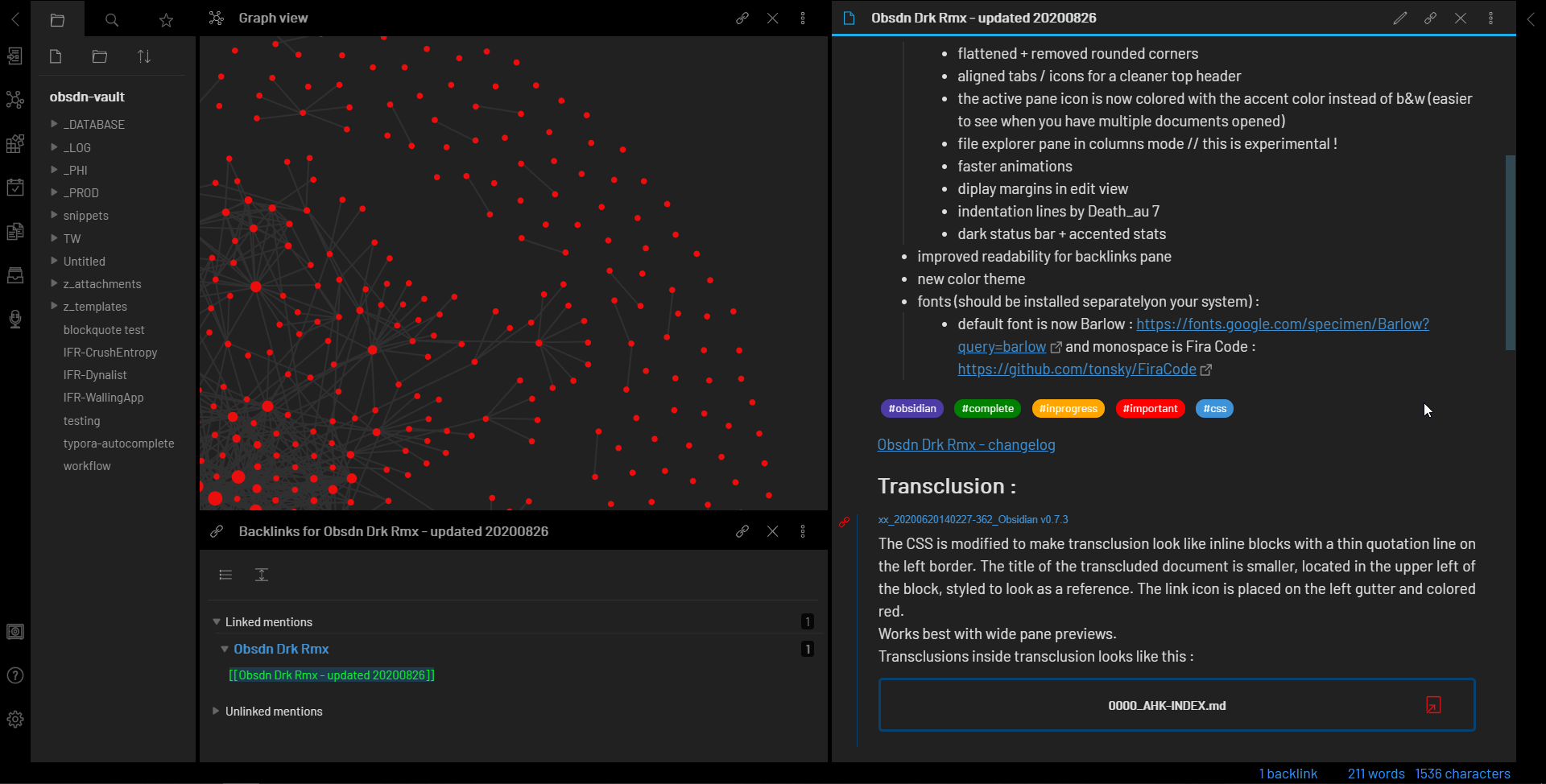
By default, Obsidian creates a "Welcome" folder and a "Daily Notes" folder. Delete them immediately. You don't need a welcome message when you're working. Clearing these out ensures your file explorer is empty and intimidatingly clean, which is exactly what you want at the start.
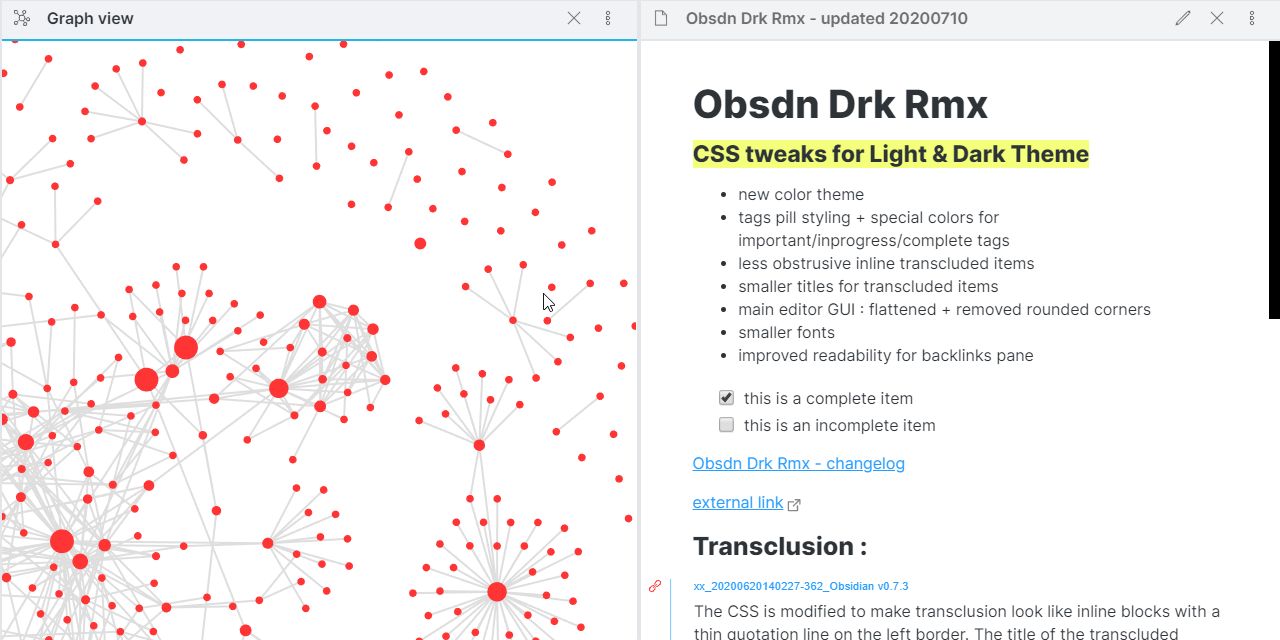
Go to Settings > Daily Notes and turn it on. This creates a time-stamped note every day. For market research, this is your primary capture tool. When you see a price spike or read a whitepaper, you don't need to decide where to file it. You just open today's note and dump the data. Structure comes later.
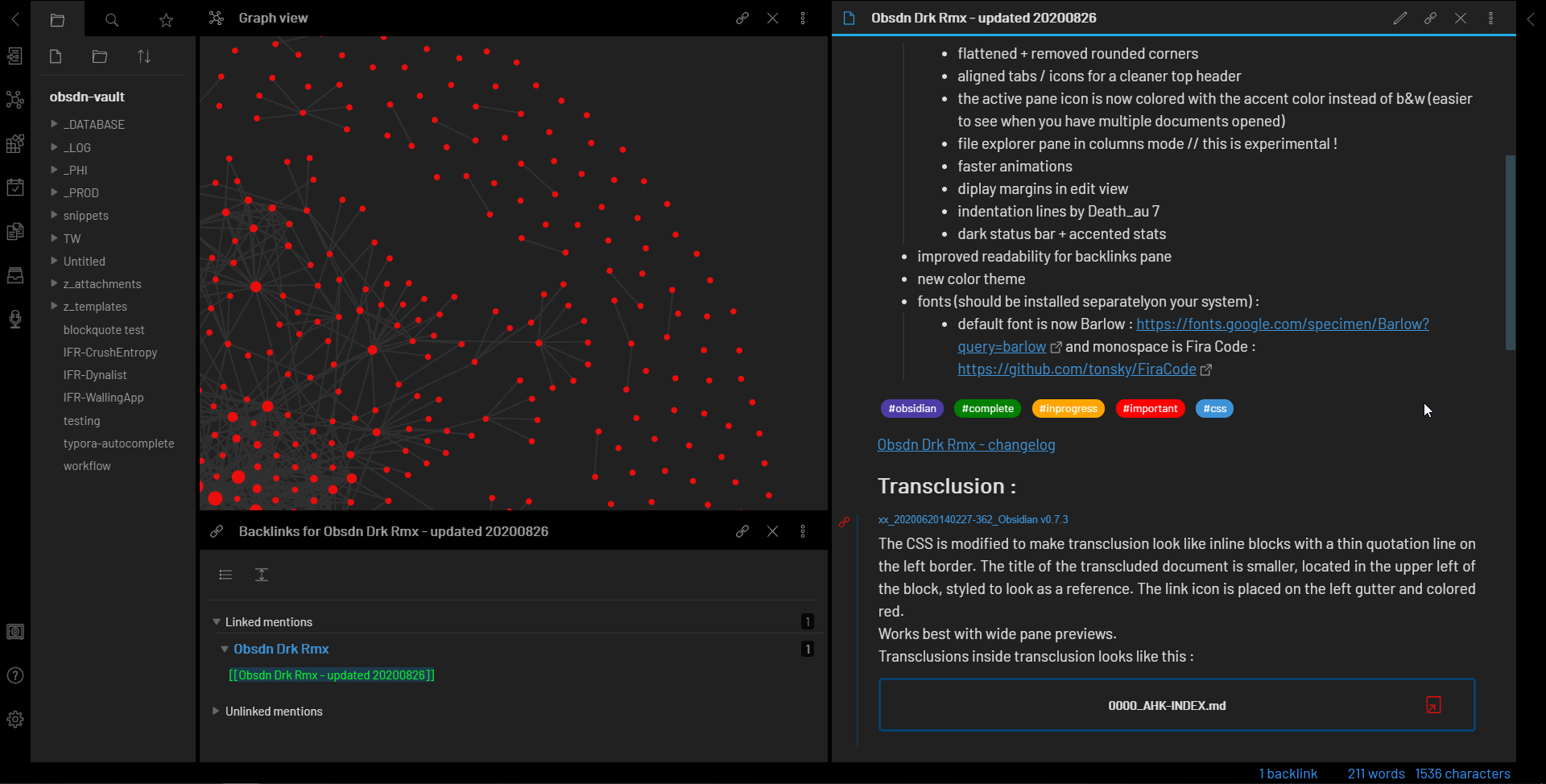
Navigate to Settings > Community Plugins and turn off "Safe Mode." Install the core plugins: Dataview (for querying your data), Templater (for automated note structures), and Excalidraw (for visual mapping). These are the only tools you need right now. Any more will just clutter your interface.
With the vault empty and the capture tools ready, you can stop worrying about organization. Your job is to feed the system. The connections between your notes will reveal themselves as you write, creating a knowledge graph that is far more useful than any static folder structure.



As an Amazon Associate, we may earn from qualifying purchases.
Link notes, not folders
The biggest trap for new Obsidian users is trying to build a perfect folder structure from day one. It feels like organizing a library, but knowledge doesn't work like books on a shelf. When you force research into rigid hierarchies, you break the connections between ideas. This section covers the core philosophy of the OBSDN guide: build a network, not a filing cabinet.
Start with a clean vault. Instead of creating folders like Research > Q1 2026 > Crypto, create a single note for each topic and link them together. Use bidirectional links to connect related assets, market trends, and personal analysis. This creates a web of knowledge that grows organically as you add more research. You can always find a note through search or the graph view, so folders become unnecessary.
Use daily notes for capture. Write down ideas, headlines, and thoughts as they come. Later, link these daily notes to your main research topics. This separates the act of capturing information from the act of organizing it. You don't have to decide where a note "belongs" before you write it. This reduces friction and helps you build a home map of content over time.
Review and refine weekly. Spend ten minutes each week linking your daily notes to your permanent research notes. This is the maintenance phase of the OBSDN workflow. It keeps your graph clean and ensures that your knowledge base remains useful. You don't need to perfect everything immediately. Just keep linking, and let the structure emerge naturally.
Use daily notes for capture
Think of your daily notes as the intake valve for your research. In crypto, data moves fast, and waiting to organize it later usually means losing context. By treating each day as a blank slate for raw input, you separate the act of gathering information from the act of structuring it.
Start your day by opening a new daily note. Do not worry about folders or tags yet. Just dump the headlines, price movements, and infrastructure updates into the document. If you see a significant move in Bitcoin or Ethereum, note the timestamp and the catalyst immediately. This creates a chronological trail that is invaluable when you are backtesting a thesis weeks later.
Go to Settings > Daily notes and set a consistent filename pattern, such as YYYY-MM-DD. This ensures every day gets its own dedicated space automatically, keeping your main vault view clean and uncluttered.
Link a template that includes sections for "Market Moves," "News Links," and "Quick Thoughts." This reduces friction, allowing you to switch from reading a news site to jotting down a key insight in under five seconds.
As you capture data, link directly to existing notes. If you mention a specific protocol, link to its overview note. If you reference a previous market crash, link to that analysis. This builds connections in real-time without interrupting your flow.
By the end of the day, your daily note serves as a raw log of market activity. You can review it once, add any missing tags, and then let Obsidian’s search and graph view do the heavy lifting of organizing your research. This workflow keeps you focused on what matters: the data, not the database management.
Build a home map of content
A Map of Content (MOC) acts as the central index for your research vault. Instead of scattering notes across dozens of folders, you create a single page that links to your primary topics. This structure lets you navigate complex subjects like Layer 2 infrastructure or macro market trends without getting lost in the metadata.
Start by creating a file named 000 Home MOC.md. In this file, list your core research pillars as headers. For a crypto analyst, these might include specific networks (e.g., Arbitrum, Optimism), market regimes (e.g., bull, bear, sideways), and infrastructure layers (e.g., rollups, bridges, sequencers). Each header becomes a hub for deeper notes.
| MOC Structure | Best For | Maintenance Level |
|---|---|---|
| Hierarchical | Strict categorization by asset type | Low |
| Networked | Exploring cross-topic relationships (e.g., L2s + Gas Fees) | High |
| Hybrid | Most practical setups for ongoing market research | Medium |
This mirrors how professional analysts track market signals. You do not need to force every note into a rigid tree. Allow your MOC to evolve as new narratives emerge. The goal is not perfect organization, but rapid retrieval of context when prices move.
Review and refine weekly
Your OBSDN vault is a living research engine, not a static archive. The real value comes from the weekly review cycle, which ensures your market analysis remains sharp, accurate, and actionable. Without this maintenance, even the best setup will accumulate noise and lose its signal.
Weekly maintenance workflow
Follow these three steps every Sunday to keep your OBSDN vault in peak condition:
This routine takes less than thirty minutes but pays dividends in clarity. By keeping your OBSDN vault tidy, you ensure that when you need to make a high-stakes market decision, your research is ready to support it.
No comments yet. Be the first to share your thoughts!