Why the OBSDN guide matters in 2026
The OBSDN works best as a clear sequence: define the constraint, compare the realistic options, test the tradeoff, and choose the path with the fewest hidden costs. That order keeps the advice usable instead of decorative. After each step, pause long enough to check whether the recommendation still fits the reader's actual situation. If it depends on perfect timing, unusual access, or a best-case budget, include a simpler fallback.
The simplest way to use this section is to write down the real constraint first, compare each option against it, and choose the path that still works outside ideal conditions.
Start with a clean vault setup
A cluttered vault is a blind spot. When you are tracking volatile assets, you cannot afford to hunt for a note buried under three layers of nested folders. The OBSDN guide for 2026 starts with a blank canvas. We treat your Obsidian vault like a trading terminal: every plugin, folder, and tag must earn its place.
Follow these steps to initialize your workspace. This workflow strips away the default bloat and prepares a structure that scales with your research.
CryptoVault2026
. Do not import old, messy notes yet. A clean slate prevents legacy clutter from dictating your new research workflow. This ensures your initial configuration is intentional, not accidental.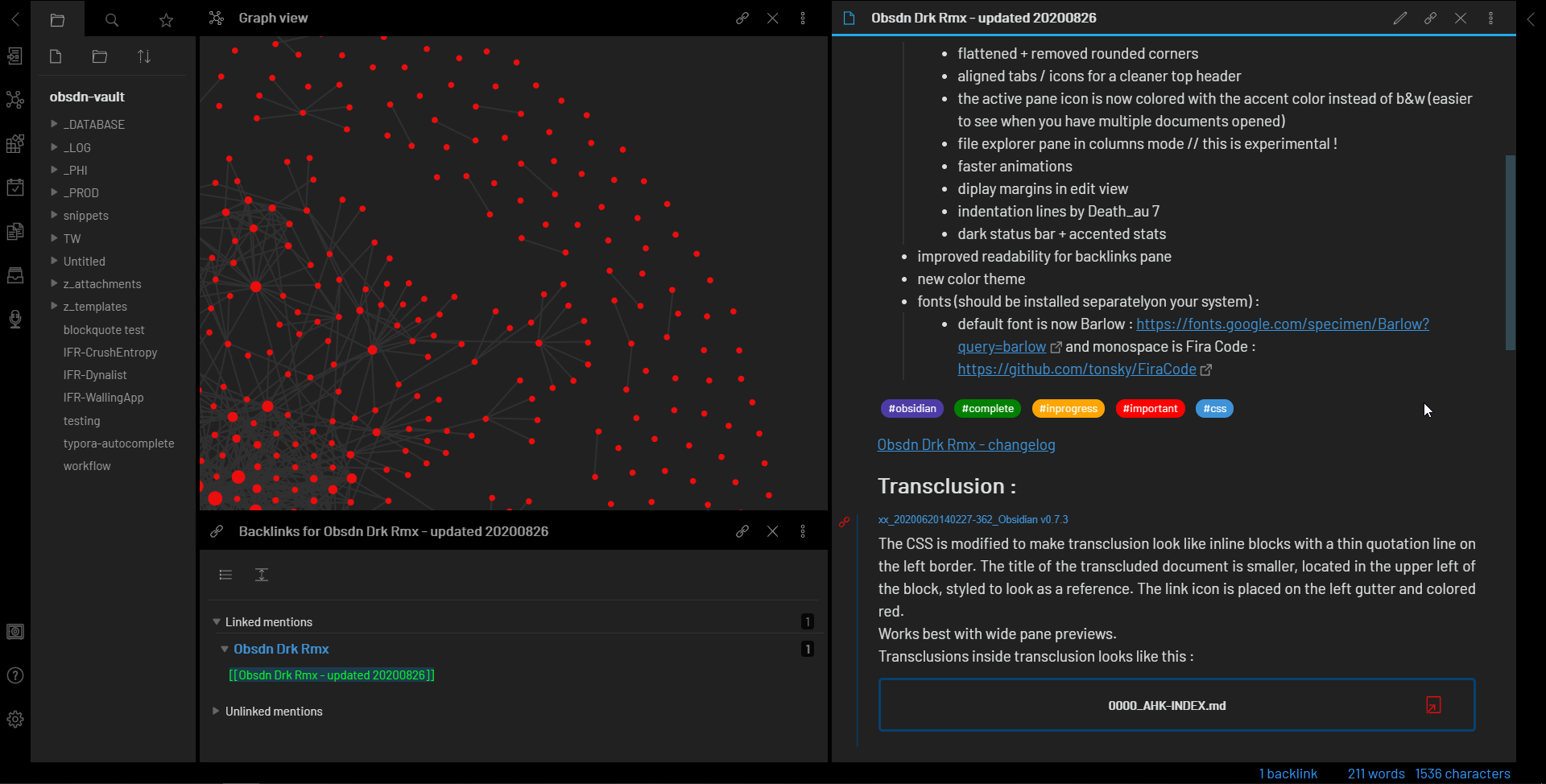
General
and
Welcome
folder by default. Delete them. Your vault should only contain what you actively research. This forces you to create specific folders like
Alpha
,
Macro
, or
Projects
only when you have a concrete reason to. Less structure initially means more flexibility later.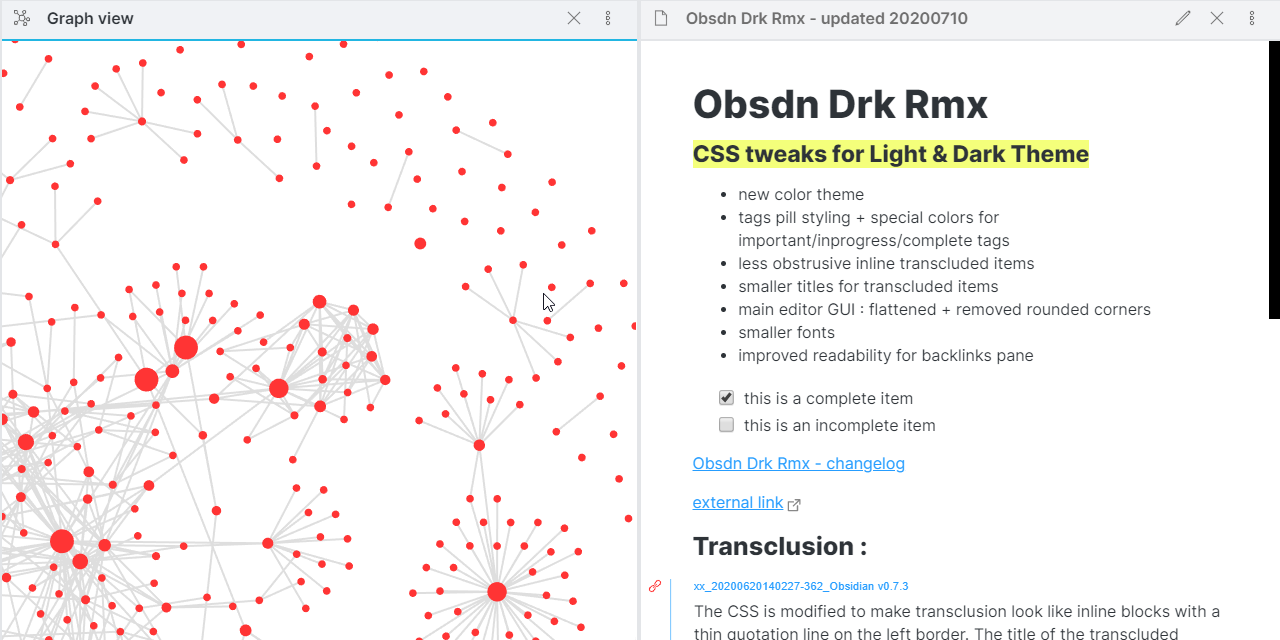
Inbox
,
Research
, and
Archive
. The
Inbox
is for rapid capture—screenshots, quick links, or half-formed ideas.
Research
holds your deep dives.
Archive
stores completed or debunked theses. This simple triage system keeps your active workspace focused on current opportunities.With the vault initialized, you are ready to start capturing data. The next step is linking notes, not folders, to build a web of insight rather than a static library.
Link notes instead of relying on folders
The biggest mistake new researchers make is treating Obsidian like a traditional file system. We instinctively want to create a perfect hierarchy: Crypto / Layer 1 / Ethereum / Layer 2. But crypto data doesn't fit neatly into boxes. A protocol like Arbitrum is a Layer 2, but it's also an Ethereum ecosystem project, a governance hub, and a DeFi primitive. If you force it into one folder, you lose the context of the others.
The OBSDN guide for 2026 flips this approach. Instead of building rigid folders, you build Maps of Content (MOCs). Think of a MOC as a dynamic index or a dashboard. It’s a single note that links to other related notes. When you write about a new token, you don't file it away in a deep directory; you link to it from your main DeFi MOC or Layer 1 MOC.
This might sound chaotic at first, but it mirrors how the market actually works. Assets are interconnected. A price movement in Bitcoin affects Ethereum, which ripples out to governance tokens and stablecoins. By linking notes, you create a web of information that reflects these relationships. You can see the connections between a protocol's tokenomics and its broader market impact without digging through nested folders.
To make this work, start with a Home MOC—a single entry point for your vault. From there, create MOCs for the major categories you track: Layer 1s, DeFi, NFTs, or specific narratives. As you research, link new notes to these MOCs. Over time, your vault grows organically. The folders become less important than the links that tie your research together.
Track infrastructure with daily notes
Daily notes in Obsidian are your real-time capture tool. Instead of letting market movements and infrastructure updates scatter across Twitter, Discord, and news sites, you log them chronologically. This creates a searchable history of your research process. When you revisit a trade or a protocol analysis weeks later, you can see exactly what you knew and when you knew it.
Start each day with a blank note. Capture price action, on-chain metrics, and protocol news as they happen. Link these entries to your deeper analysis notes using Obsidian’s double-bracket syntax. For example, if Bitcoin drops, link to your #macro or #btc tag. This keeps your vault connected without forcing you to organize everything into rigid folders immediately.
To keep your data grounded, embed live market context directly in your notes. This prevents you from relying on stale screenshots or memory. Use the TechnicalChart widget to pull in a live view of the asset you are tracking. It anchors your narrative in current reality.
This setup turns your daily notes into a living log. You aren’t just storing information; you are building a timeline of market sentiment and infrastructure changes. At the end of the week, review your daily notes. Highlight the most significant insights and move them to your permanent knowledge base. The rest stays as a reference trail, ready for when you need to trace back your steps.
Review and refine your research weekly
A crypto research vault is only as good as its last update. Without a weekly review, your MOCs become digital graveyards—static lists of links that no longer reflect current market realities. The OBSDN method relies on this rhythm. You aren't just storing data; you are curating a living system that sharpens your decision-making.
Start by auditing your Map of Content nodes. Did any new protocols launch or gain traction this week? If a project has pivoted or lost momentum, move it or archive it. Keep your home map lean. A cluttered map creates noise; a refined one creates signal. Think of your weekly review as pruning a garden: you remove the dead weight so the healthy plants get enough light.
Next, check your Daily Notes. Scan for insights you captured but never filed. Link them to their respective MOCs. This step connects the dots between random observations and structured thesis. It turns scattered thoughts into a coherent narrative. If a note doesn't link to anything, it likely isn't ready for the vault yet. Draft it, or delete it.
Finally, verify your price widgets and charts. Market conditions change fast. Ensure your TechnicalChart and PriceWidget components are pulling live data, not stale snapshots. A static price is a lie in a high-stakes environment. Your tools must reflect the current moment.
| Feature | Cluttered Vault | Linked MOC Structure |
|---|---|---|
| Navigation | Search-heavy, folder-diving | Graph-based, intuitive |
| Data Freshness | Stale, static links | Weekly updated, live widgets |
| Decision Speed | Slow, high friction | Fast, signal-focused |
This weekly habit takes less than an hour but pays dividends in clarity. Your vault stops being a storage bin and becomes a strategic asset. You will spot trends faster, avoid outdated biases, and make decisions with confidence. That is the power of the OBSDN workflow.
No comments yet. Be the first to share your thoughts!